Charge Logging
Record every session — home, work, or DC fast — with start and end %, energy added, and cost.
Charge
without
guessing.
Know exactly what every mile costs, and how efficiently you drove it.
PlugLog turns your drives and charges into a clear picture of how your car really performs.
Record every session — home, work, or DC fast — with start and end %, energy added, and cost.
See mi/kWh trends per vehicle over time and spot how seasons, speed, and trips affect range.
Understand your true cost per mile and how much you save charging at home versus public stations.
Most EV apps tell you where to charge. PlugLog tells you what happened after — how much energy went in, what it cost, and how far it took you.
Data you own. Insight you can act on.
Average time to log a charging session from your phone.
Efficiency units — mi/kWh, Wh/mi, and km/kWh — switch anytime.
Of your drives and charges exportable to CSV whenever you want them.
If your car records its cameras to a USB drive, PlugLog turns that pile of clips into events, one per drive or parked recording. Watch any camera as the main view with the others beside it, and see your speed and power in step with the footage.
Set a rate for home, work, or anywhere you charge, and every charge there is costed automatically, including time-of-use pricing.
Log network sessions with their real price, so you can see exactly what road trips cost compared to home.
No hardware, no car login required. Just the numbers you already see on the charger and your dashboard.
Give it a nickname and pick the year, make, and model. That's it.
Enter start and end %, energy added, cost, and miles since last charge.
Efficiency, cost per mile, and charging mix update instantly.
Android Automotive app
Driving an EV with Google built-in? Put PlugLog on your car's screen and every drive and charge is recorded on its own — energy, efficiency, charging curve and route — then synced to your account. Nothing to type at the charger.
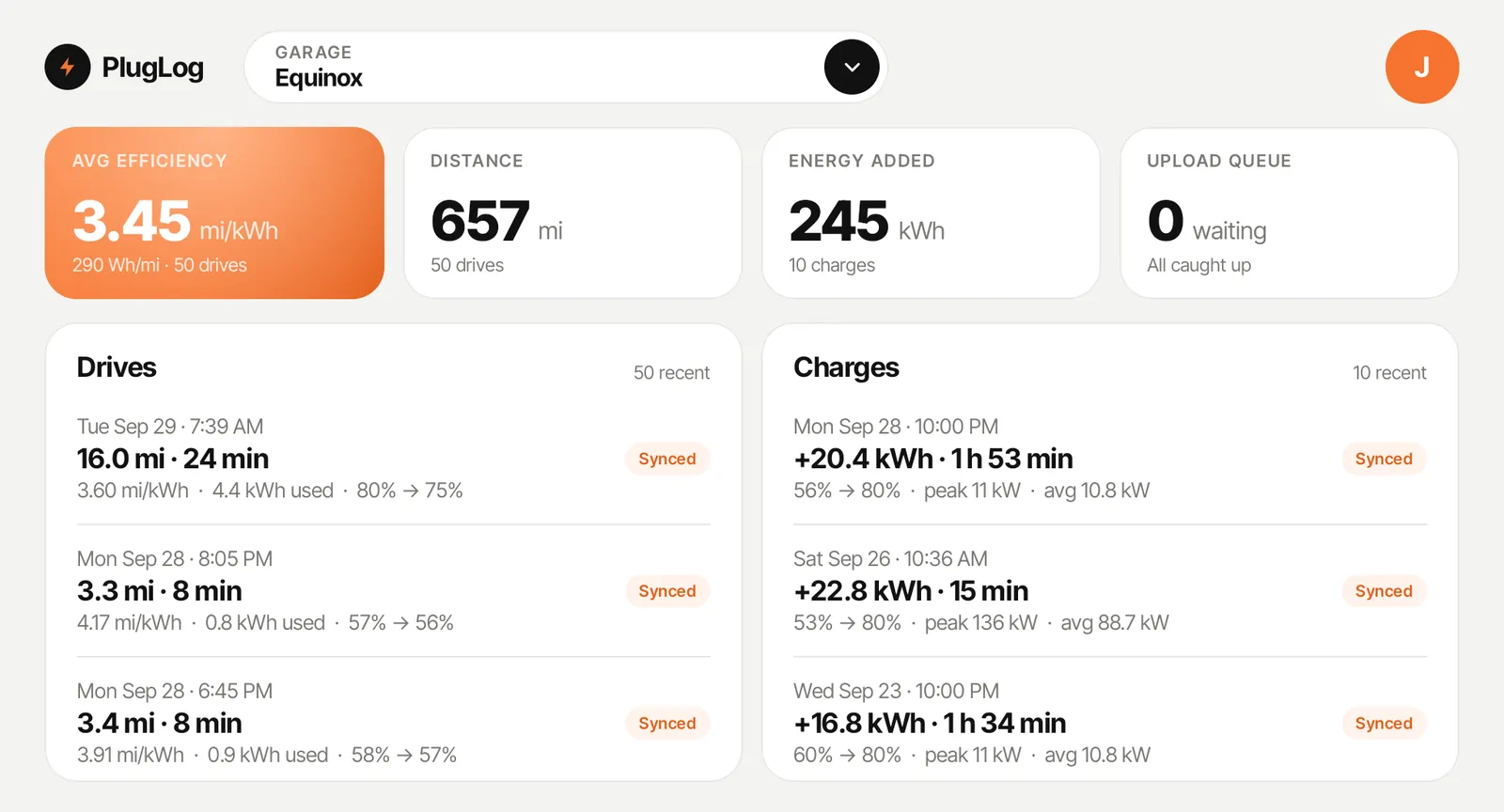
Efficiency, distance and energy added for the car you're in, with your recent drives and charges synced from your account.
Watch efficiency build as you drive, with energy used, regen, and a range map of how far the battery you have left can take you. Shown at 9× speed.
Power, energy added and time to your charge limit update as the battery fills, and the session is saved when you unplug. Shown at 9× speed.
Set up in minutes
PlugLog runs on the center screen of EVs with Google built-in, alongside your maps and music.
Enter your email on the car and approve it from the link we send to your phone. No password to type on the dash.
Choose the car from your garage. Drives and charges record on their own and upload whenever the car has a signal.
On the web
Everything your car records and everything you log by hand ends up in one place, in any browser. Here's a look inside.
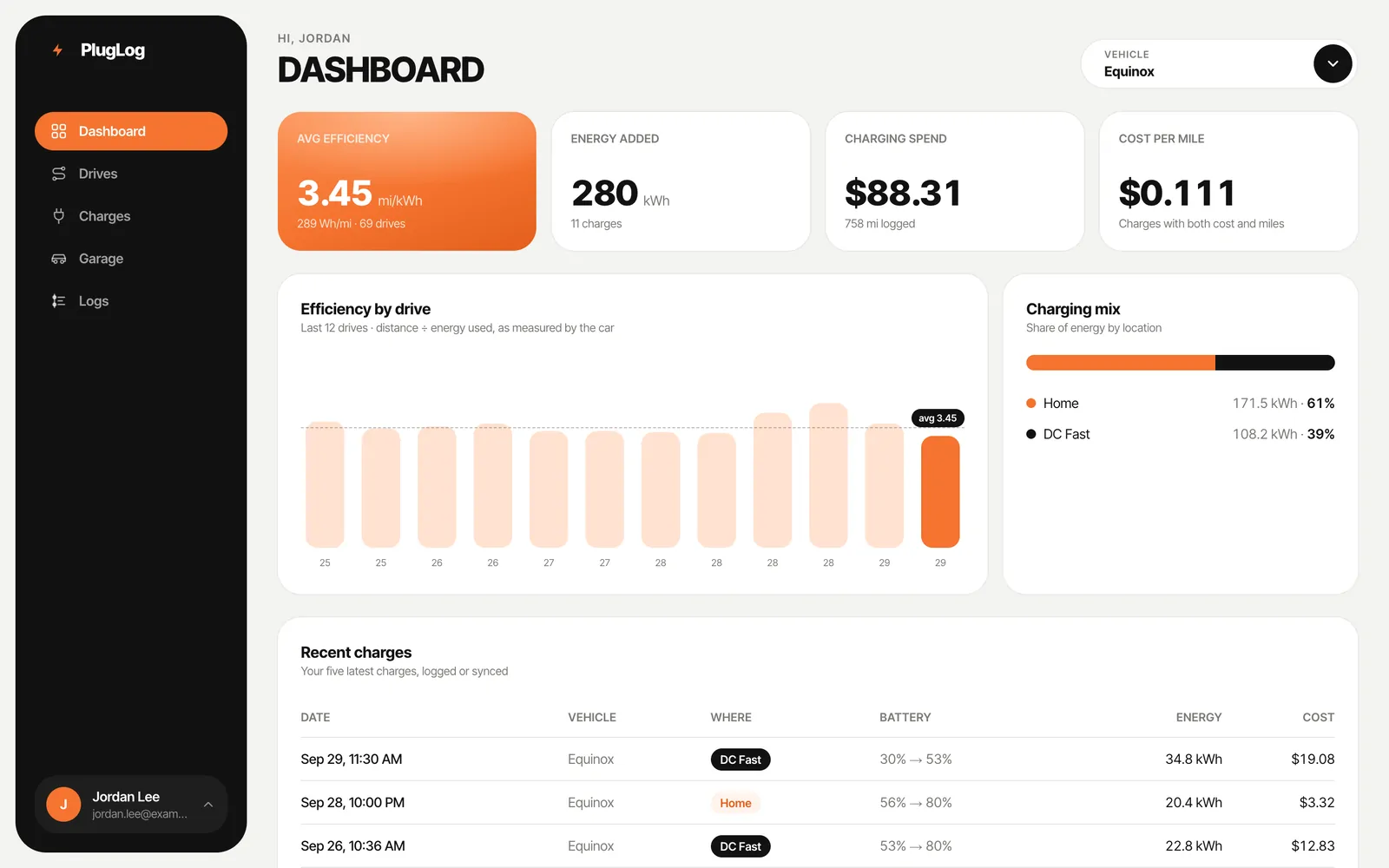
Average efficiency, energy added, charging spend and cost per mile, with efficiency by drive and your charging mix.
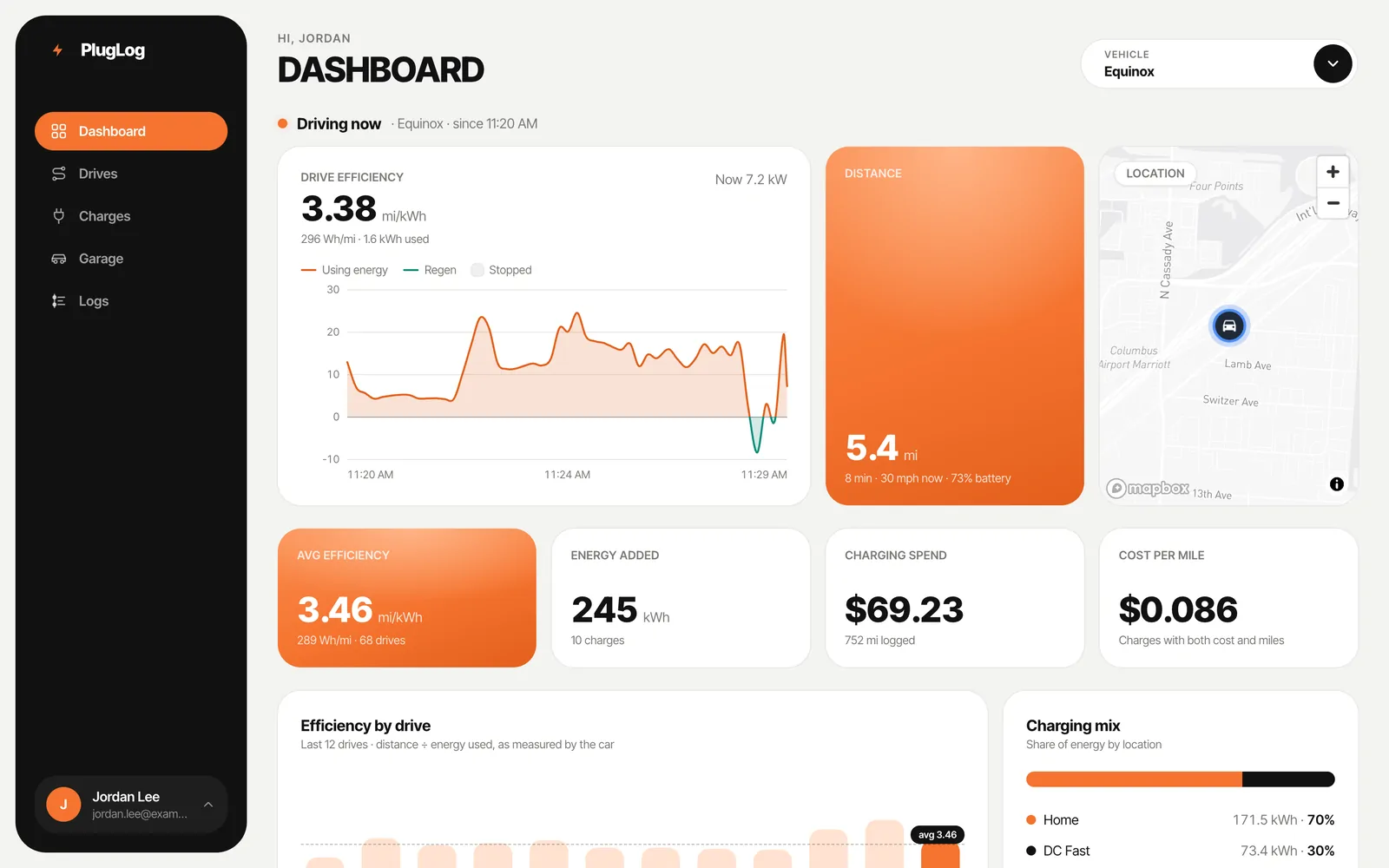
When the car app is recording, the dashboard follows the drive as it happens: battery power, distance and where the car is.
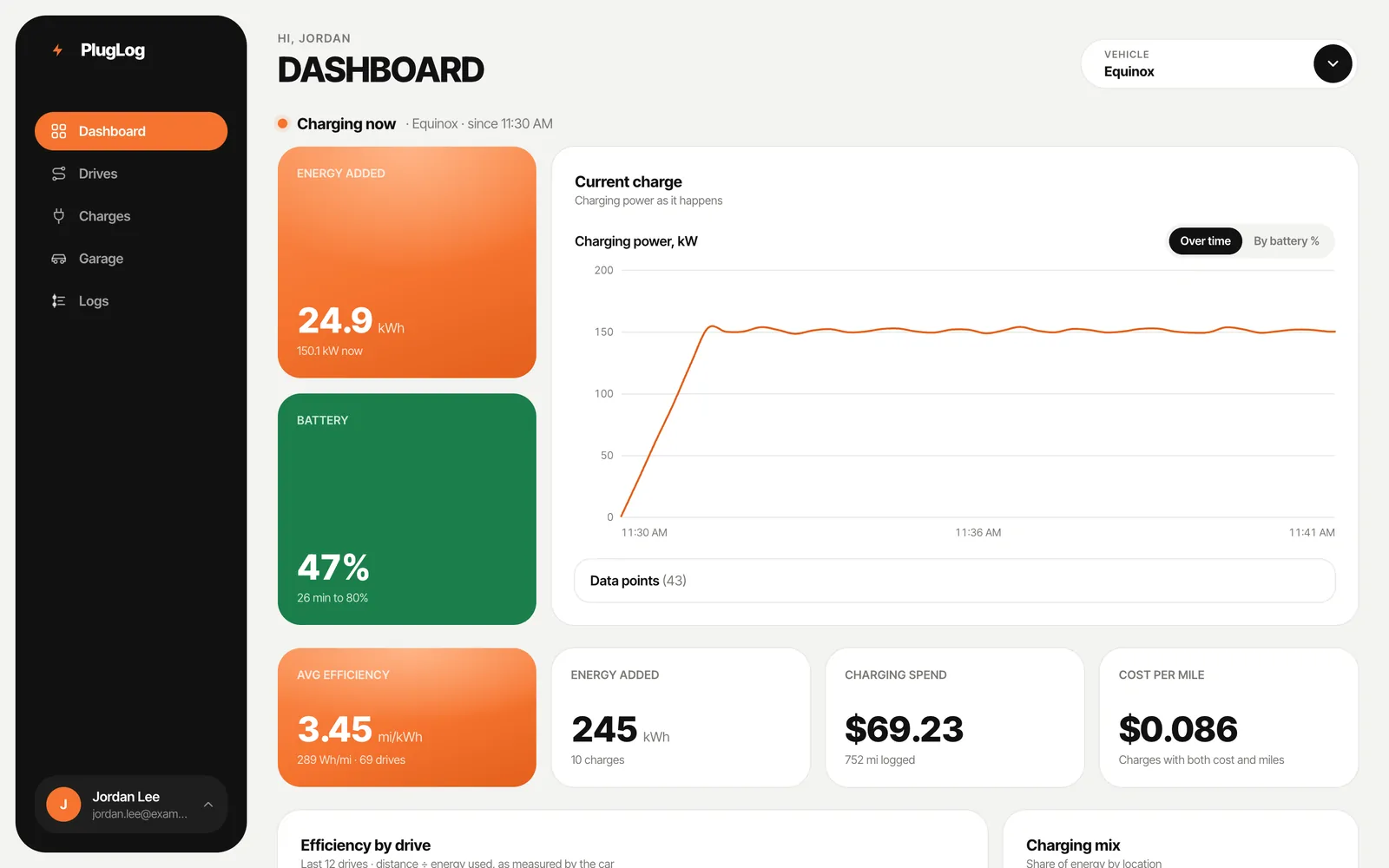
Check on a charge from anywhere: energy added, battery level, time to your limit and the charging curve.
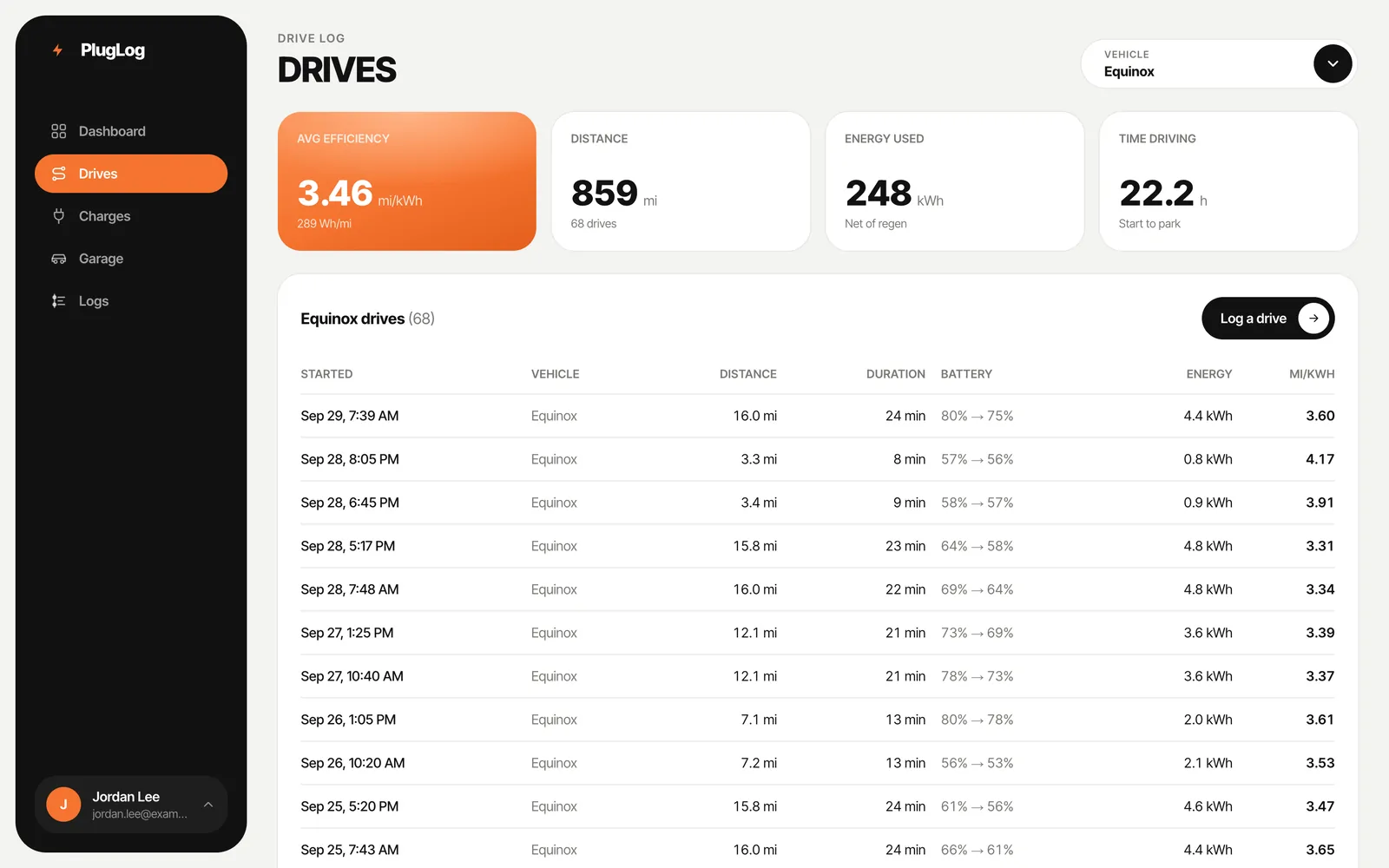
Every trip with its distance, duration, battery used and mi/kWh, for one vehicle or all of them.
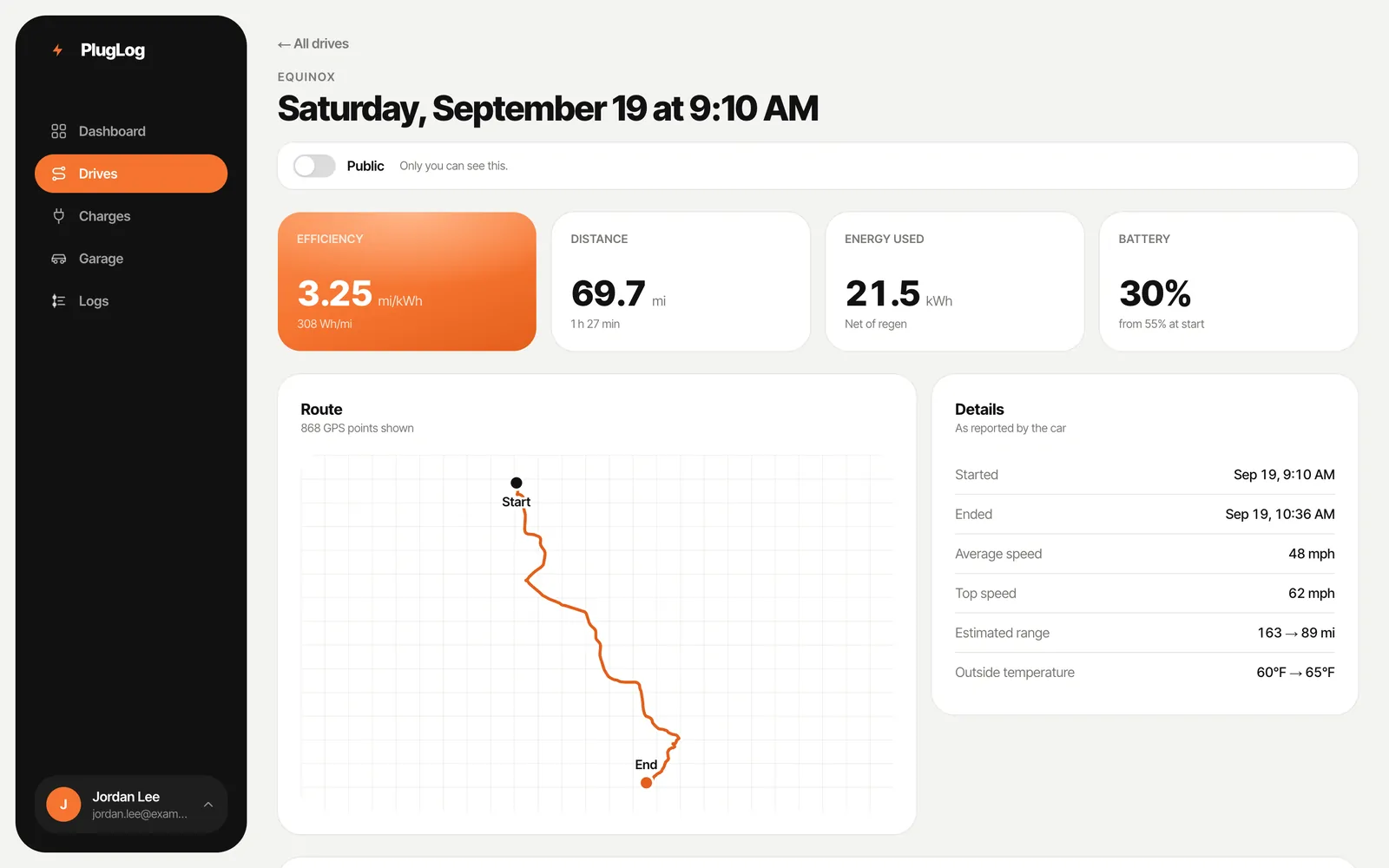
The route, energy used on driving and regen, speed and battery for any drive.
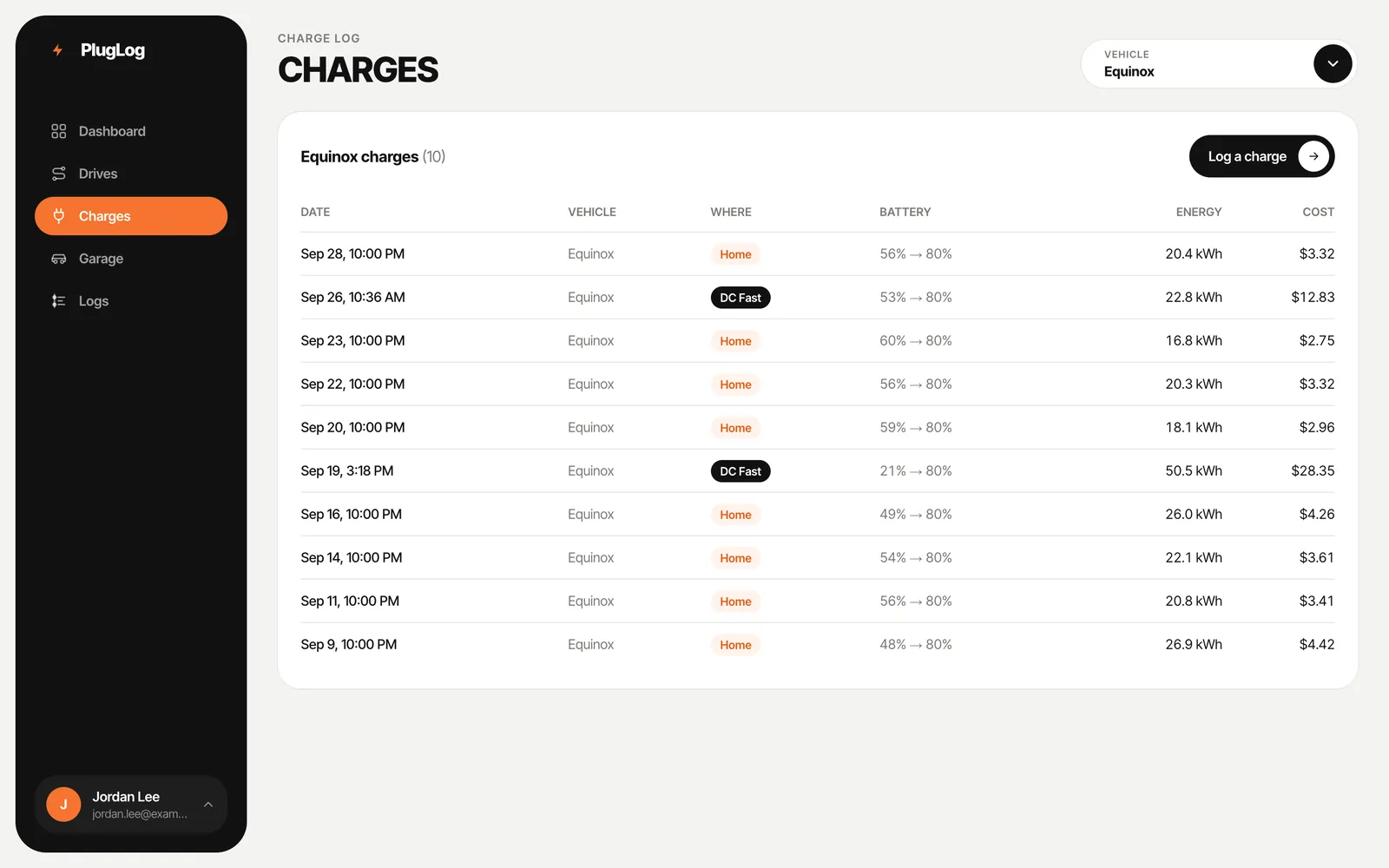
Home, work and DC fast sessions with the battery range, energy added and what each one cost.
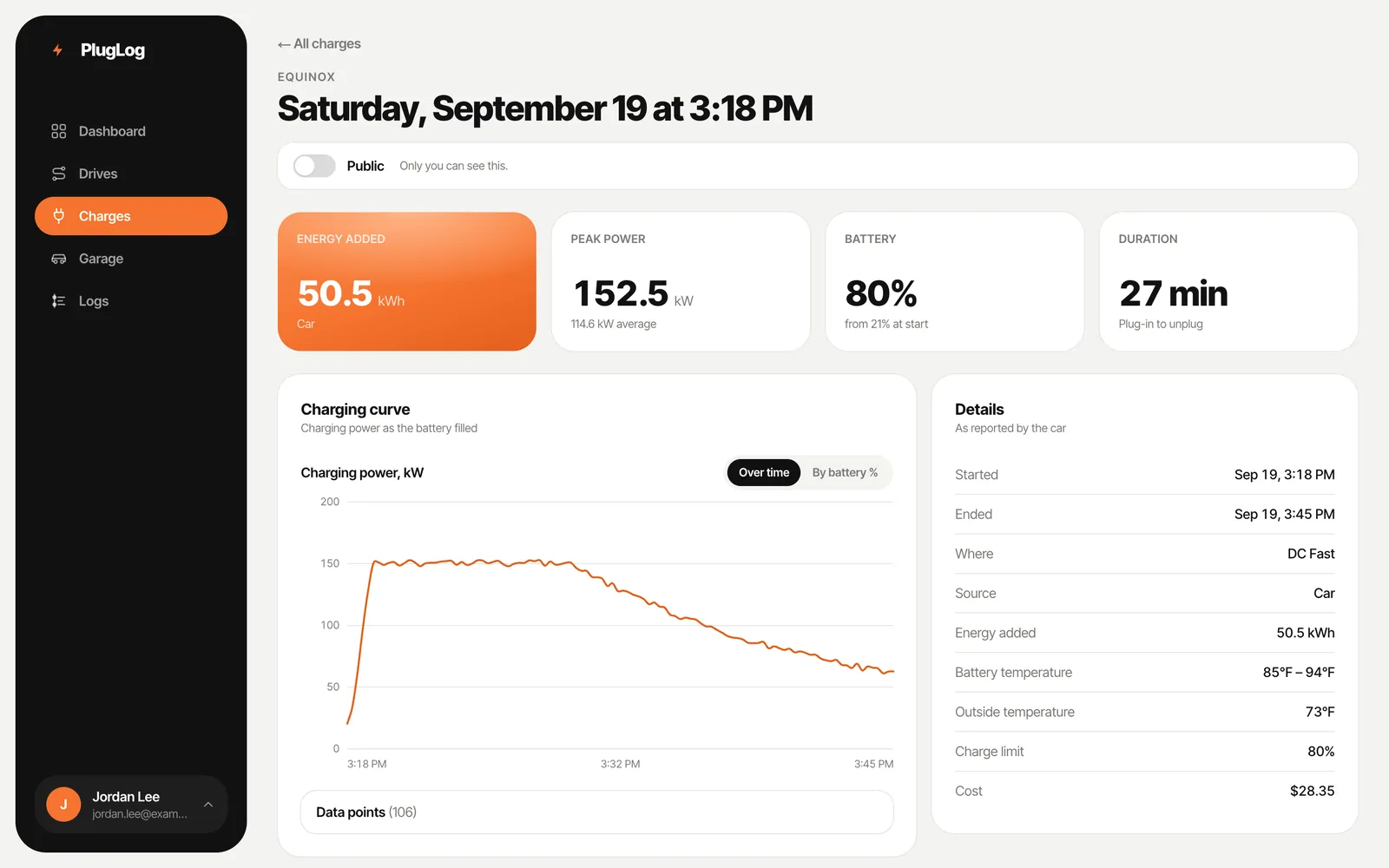
The full charging curve, peak and average power, battery temperature and cost for every session.
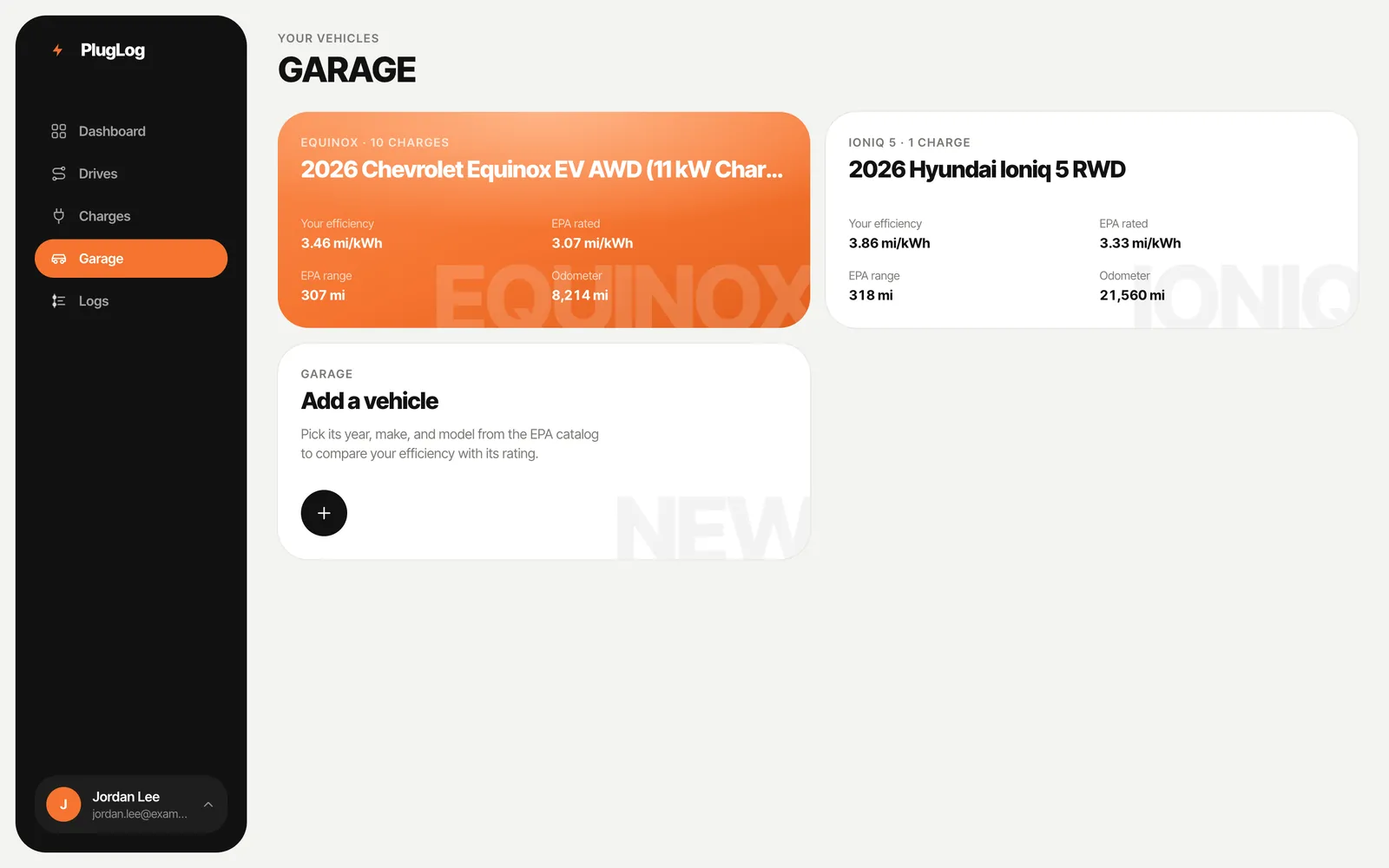
Each of your vehicles, with its real-world efficiency next to the EPA rating.
Quick answers about logging, efficiency math, and your data.
With the car app, it's the distance of each drive divided by the battery energy the car measured using on it, so it reflects what the car actually used on the road. If you only log charges by hand, PlugLog divides the miles since your previous charge by the energy that charge added, which also counts charging losses.
You can add any all-electric car or truck in the EPA's catalog, from 1998 through this year's models, and log its drives and charges by hand. Automatic logging needs an EV that runs Android Automotive (Google built-in) with the PlugLog car app installed.
Yes. Free accounts can track up to 2 vehicles, and Pro has no limit. Each keeps its own history, efficiency trends and costs.
Set Work's rate to $0 in Settings → Charging. Those charges still count toward the energy you've added, and your cost per mile reflects the free miles.
Anytime. Download every drive and charge as CSV from Settings → Data. Your data is yours. Pro also includes a read-only API for pulling it into your own tools.
If your EV's built-in cameras record to a USB drive (like GM's Surround Vision Recorder), the car app plays every camera in sync with your speed and power while you're parked. Pro backs your clips up so you can watch and share them on the web. We're adding more cars.
Tracking your drives and charges with the car app (on cars with Android Automotive) is free, with full history, efficiency, range and costs. PlugLog Pro is $69 a year and adds dash cam backup (100 GB shared by all your vehicles, with more available), one Tesla, unlimited vehicles and API access. Teslas are recorded straight from your Tesla account: included with Pro (each extra Tesla is $29 a year), or $39 a year each without Pro. You can try one free for 3 months.